
iPhone battery health - More power to you

Your iPhone battery will wear out eventually. That is normal. The aim is not to keep theBattery Health screen at 100% forever — it is to slow unnecessary wear without turning charging your phone into a daily science experiment.
For most people, the useful advice comes down to three things:
- Keep the phone out of excessive heat.
- Use Apple’s charging optimisation or a charge limit.
- Charge when convenient rather than deliberately running the battery flat.
That is most of what matters. The rest is detail.
What 🔋 “battery health” actually means
Your iPhone uses a rechargeable lithium-ion battery. As it ages, it gradually loses some of its ability to store energy and deliver peak power. This happens because of chemistry, not because you have done something wrong.
In Settings > Battery > Battery Health, Maximum Capacity is an estimate of how much charge the battery can hold compared with when it was new. If it shows 85%, the battery can now hold roughly 85% of its original capacity under the conditions used by the phone’s measuring system.
Do not confuse these two terms:
- Battery life is how long the phone runs before it needs charging.
- Battery lifespan is how long the battery remains useful before it needs replacing.
Battery life can change from one day to the next because of screen brightness, weak mobile reception, apps, updates and how heavily you use the phone. Battery lifespan declines gradually with chemical age, heat, charging patterns and use.
What is a charge cycle?
One charge cycle means using a total equal to 100% of the battery’s capacity. It does not have to happen all at once.
For example, you could use 40% today, recharge, then use 60% tomorrow. Together, that counts as one cycle.
Apple says batteries in iPhone 14 models and earlier are designed to retain 80% of their original capacity after 500 complete cycles under ideal conditions. Batteries in iPhone 15 models and later are designed to retain 80% after 1,000 complete cycles under ideal conditions.
Those figures are design benchmarks, not expiry dates or guarantees. One phone may be above 80% at that point and another may reach it earlier. You also cannot reliably use a phone’s present percentage and cycle count to predict its exact health hundreds of cycles into the future.
The biggest avoidable problem: 🔥 heat
Heat speeds up lithium-ion battery ageing. Apple says an iPhone is designed for use in ambient temperatures from 0°C to 35°C, with 16°C to 22°C described as the ideal range. Using or charging it when the surrounding temperature is above 35°C can permanently reduce battery lifespan.
The phone may slow or pause charging above 80% when it becomes too warm. That is protection doing its job.
Normal warmth while charging is not a crisis. The situations worth avoiding are sustained or excessive heat: a phone left in direct summer sun, inside a hot parked car, under bedding while charging, or running a demanding game while it is already hot and charging.
The useful truth about 20% and 80%
Lithium-ion batteries generally age more slowly when they spend less time at very high charge and are not repeatedly put through deep discharges. That is why limiting the charge can help.
But 20% to 80% is not a magic safe zone. Dropping to 18% occasionally does not suddenly damage the battery, and charging to 100% when you need the range is perfectly reasonable. The practical goal is simply to avoid making long periods at 100%, frequent complete run-downs and excess heat your everyday routine.
If an 80% or 90% limit gets you through the day, use it. If you need 100%, use 100% and leave Optimised Battery Charging turned on.
DO
Do leave Optimised Battery Charging turned on
This reduces the time the phone spends sitting fully charged. The iPhone learns your routine and, when appropriate, delays charging beyond 80% until closer to when it expects you to unplug it.
- iPhone 15 and later: go to Settings > Battery > Charging. You can choose a limit from 80% to 100% in 5% steps. Optimised Battery Charging is available when the limit is set to 100%.
- iPhone 14 and earlier: go to Settings > Battery > Battery Health & Charging and make sure Optimised Battery Charging is on.
If you select a limit below 100%, the iPhone may occasionally charge to 100% so it can keep its charge estimate accurate. That is normal.
Do top up the battery when convenient
You do not need to wait until the battery is nearly empty. Apple says its lithium-ion batteries can be charged whenever you want and do not need to be fully discharged first.
Do keep the phone cool
Keep it out of direct sun and hot cars. If it becomes unusually hot while charging, move it somewhere cooler and let it settle. If a thick case appears to be trapping heat, remove the case while it charges.
Do use a safe, standards-compliant charger
An Apple charger is not compulsory. Apple permits compatible third-party power adaptors that meet applicable safety standards; USB-C fast charging requires a compatible USB Power Delivery charger.
Avoid suspicious, damaged or extremely cheap unbranded chargers and cables. The concern is safety and quality, not simply the fact that the charger was made by somebody other than Apple.
Do use wired, MagSafe or Qi charging according to what suits you
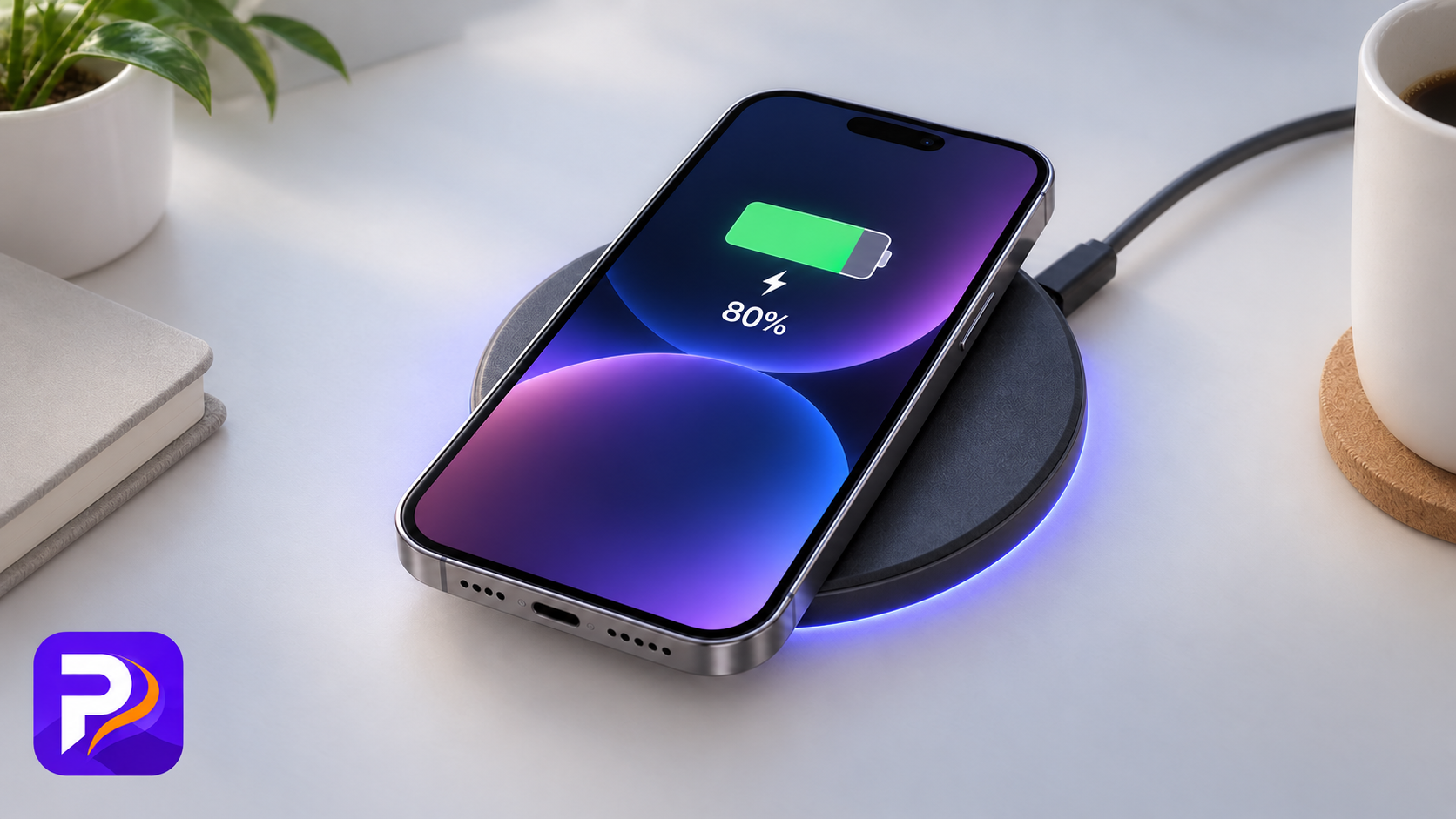
Wireless charging is supported and safe with suitable equipment. It can make the phone slightly warmer, while proper MagSafe alignment can reduce wasted energy compared with poorly aligned wireless charging. The sensible rule is the same for every charging method: if the phone is becoming excessively hot, stop and find out why.
Do consider battery service when the battery affects normal use
The 80% figure is not a cliff and does not mean the phone becomes unsafe or useless. Consider replacement when iOS recommends service, the phone suffers unexpected shutdowns, performance is affected, or the reduced running time has become inconvenient.
DON’T
Don’t deliberately drain the battery to zero
The old advice to run a battery completely flat before recharging does not apply to modern iPhone lithium-ion batteries. A full discharge-and-recharge routine does not restore lost chemical capacity or turn a worn battery back into a healthy one.
Don’t obsess over keeping Battery Health at 100%
The displayed figure is an estimate, it may remain unchanged for months and then move, and normal chemical ageing continues even when you treat the phone carefully. A drop to 99% is not evidence of a fault.
Don’t assume every use of the phone while charging is harmful
Reading a message or checking a webpage while charging is not a problem. The issue is heat. If demanding games, video processing or another heavy task makes the phone hot while it is charging, pause the task or unplug the phone until it cools.
Don’t fear fast charging — but don’t ignore heat
The iPhone controls its charging rate and slows charging as the battery fills or becomes too warm. A compatible fast charger is supported by Apple. Slower charging may sometimes create less heat, but there is no universal rule that everyone must use an old 5-watt charger to preserve battery health.
Don’t treat wireless charging as automatically harmless or harmful
Both claims are too simplistic. Wireless charging can produce additional heat, but the iPhone monitors temperature and compatible chargers are designed for it. Use a properly certified charger, position the phone correctly and pay attention to excessive heat.
Don’t blame an iOS update immediately
After an update, background work can temporarily increase battery use and heat for a few days. That affects daily battery life, not necessarily the battery’s true chemical capacity.
Apple has used automatic battery-health recalibration for particular models and known reporting problems, but there is no sound basis for claiming that every update routinely recalibrates every iPhone. A changed reading can reflect a revised estimate; it is not proof that the update physically damaged the battery.
The PHEWFIX summary
Keep the phone reasonably cool. Leave Apple’s charging optimisation switched on. Use an 80% or 90% limit if it comfortably suits your day, but charge to 100% when you genuinely need it. Top-ups are fine. Do not deliberately flatten the battery, and do not waste time trying to preserve a perfect 100% health reading forever.
Use the phone. Look after it sensibly. Replace the battery when its reduced capacity becomes a real inconvenience — not merely because a number moved by one percent.
Sources
- Apple: Charge and maintain your iPh
- Apple: About the battery and performance of iPhone 11 and later
- Apple: About Charge Limit and Optimised Battery
- Apple: Why lithium-ion?
- Apple: How to wirelessly charge your iPhone
- Apple: Fast charge your iPhone
- Apple: About Apple USB power adaptors
- Edge and O'Kane, Current Opinion in Electrochemistry: Calendar aging of commercial Li-ion cells of different chemistries — a review
Table of Contents
- What “battery health” actually means
- What is a charge cycle?
- The biggest avoidable problem: heat
- The useful truth about 20% and 80%
- DO
- DON’T
- Don’t deliberately drain the battery to zero
- Don’t obsess over keeping Battery Health at 100%
- Don’t assume every use of the phone while charging is harmful
- Don’t fear fast charging — but don’t ignore heat
- Don’t treat wireless charging as automatically harmless or harmful
- Don’t blame an iOS update immediately
- The PHEWFIX summary
- Sources
Fact-checked September 2026. Menu names can change slightly between iOS versions and iPhone models.